· 6 min read · By the Custom T-Shirt Wala team
How to Create a Custom T-Shirt (Step by Step)
From choosing the right base tee to preparing your image and picking a placement — a simple walkthrough for your first custom T-shirt.
Creating a custom T-shirt is easier than it looks. The difference between a good result and a great one usually comes down to three things: the right base tee, a print-ready image and sensible placement.
Step 1: Choose the base T-shirt
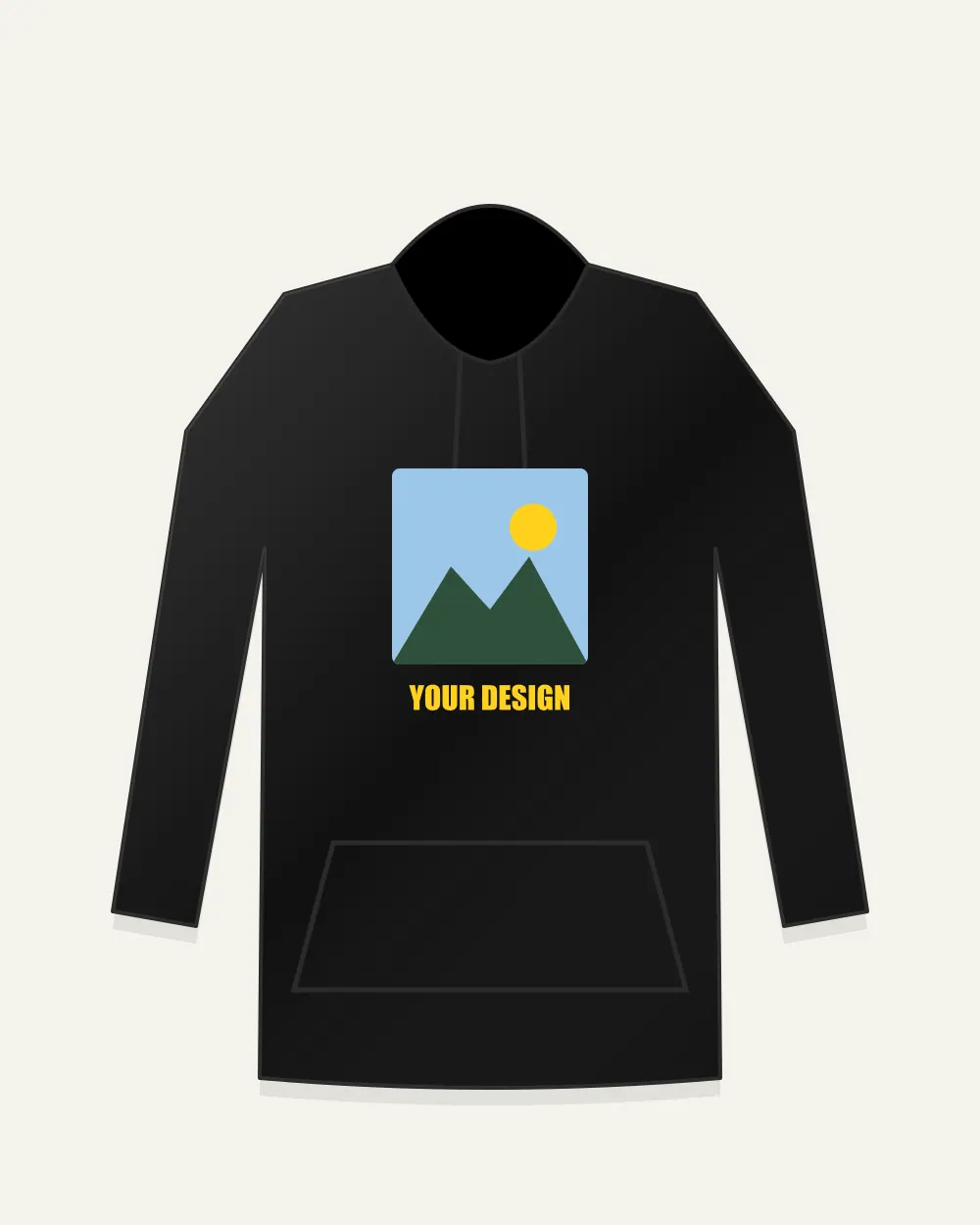
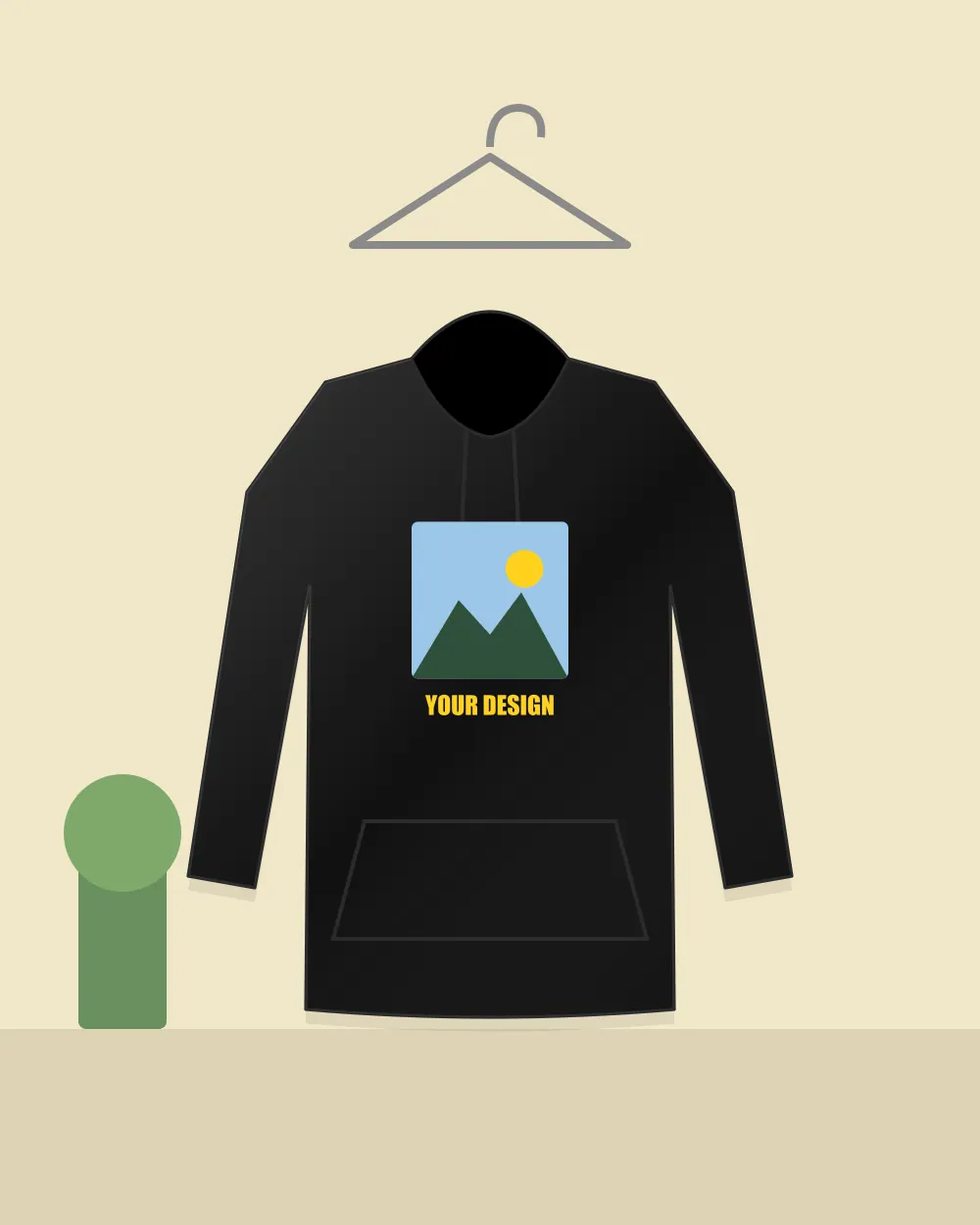
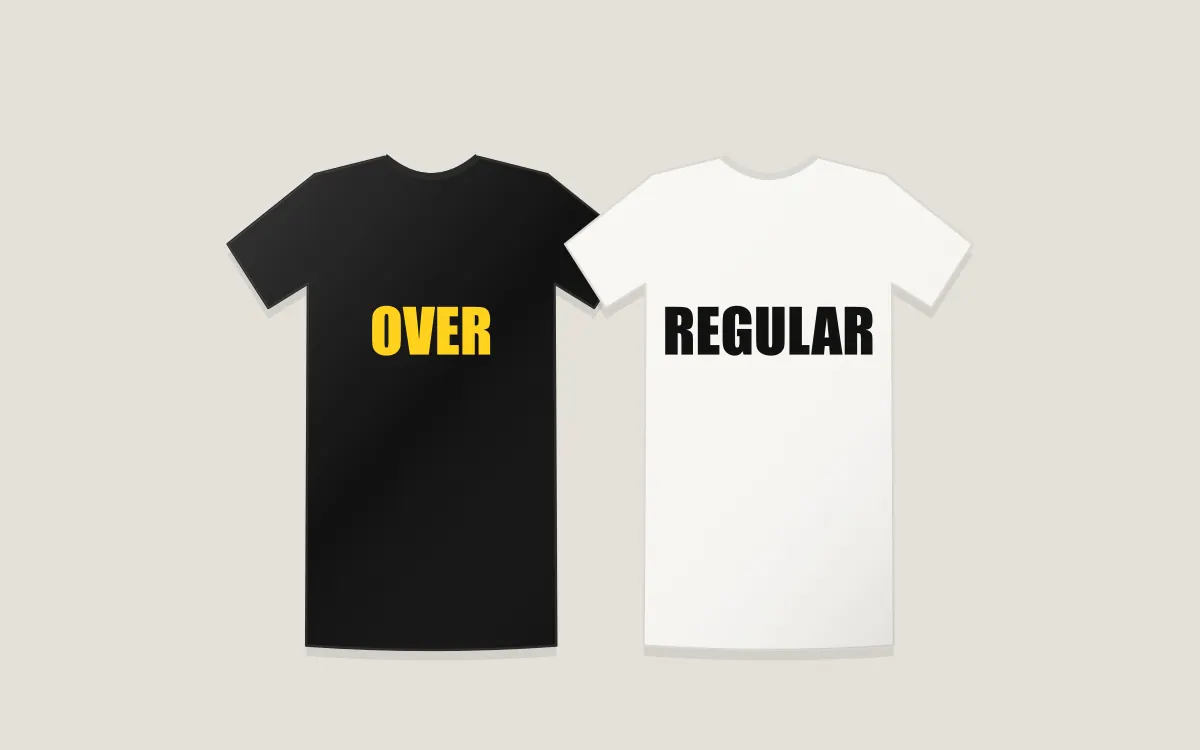
Start with fit. A classic regular-fit tee suits most people and most designs. Oversized tees give a relaxed street-style look and suit bigger back prints. Full-sleeve tees and hoodies work well for cooler months.
Step 2: Pick a colour that suits the design
- Photos look most accurate on white and light colours.
- Bright, bold graphics pop on black and navy.
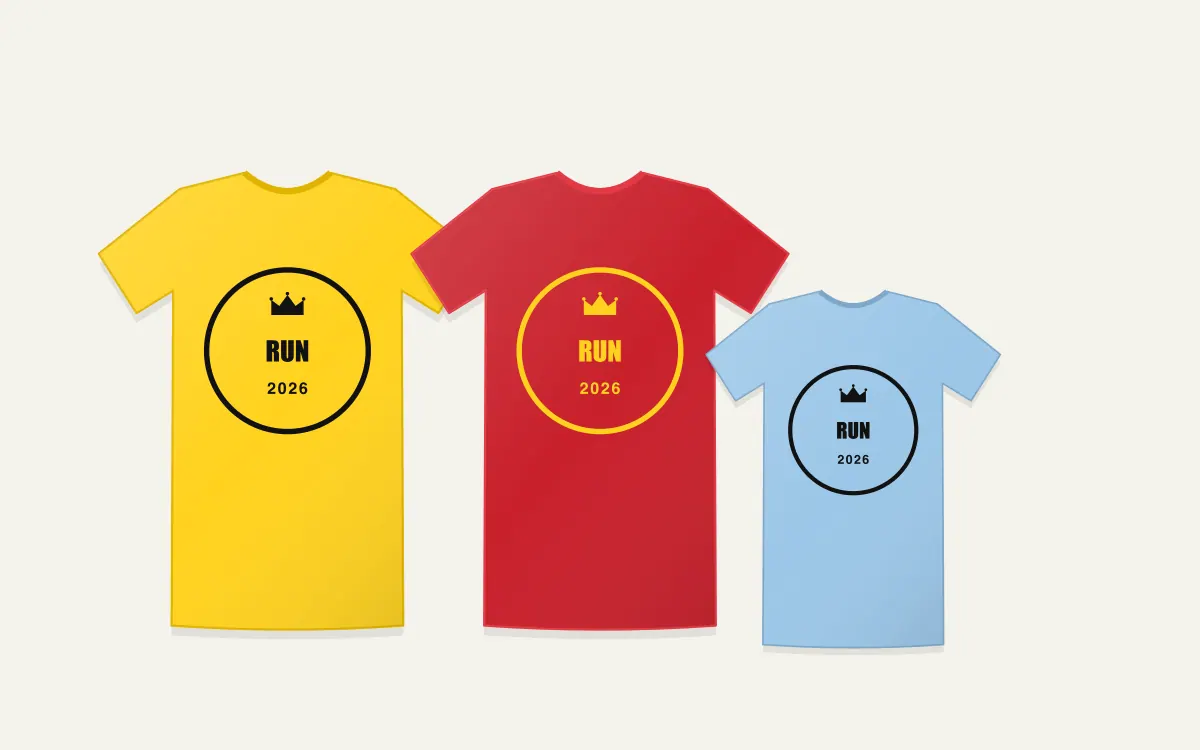
- Yellow and pastel tees suit playful, kids and event designs.
Step 3: Prepare your image
Use the highest-resolution version you have. As a rule of thumb, aim for at least 1500 pixels on the longest side. PNG files with transparent backgrounds give the cleanest result for logos and artwork.
Step 4: Add text
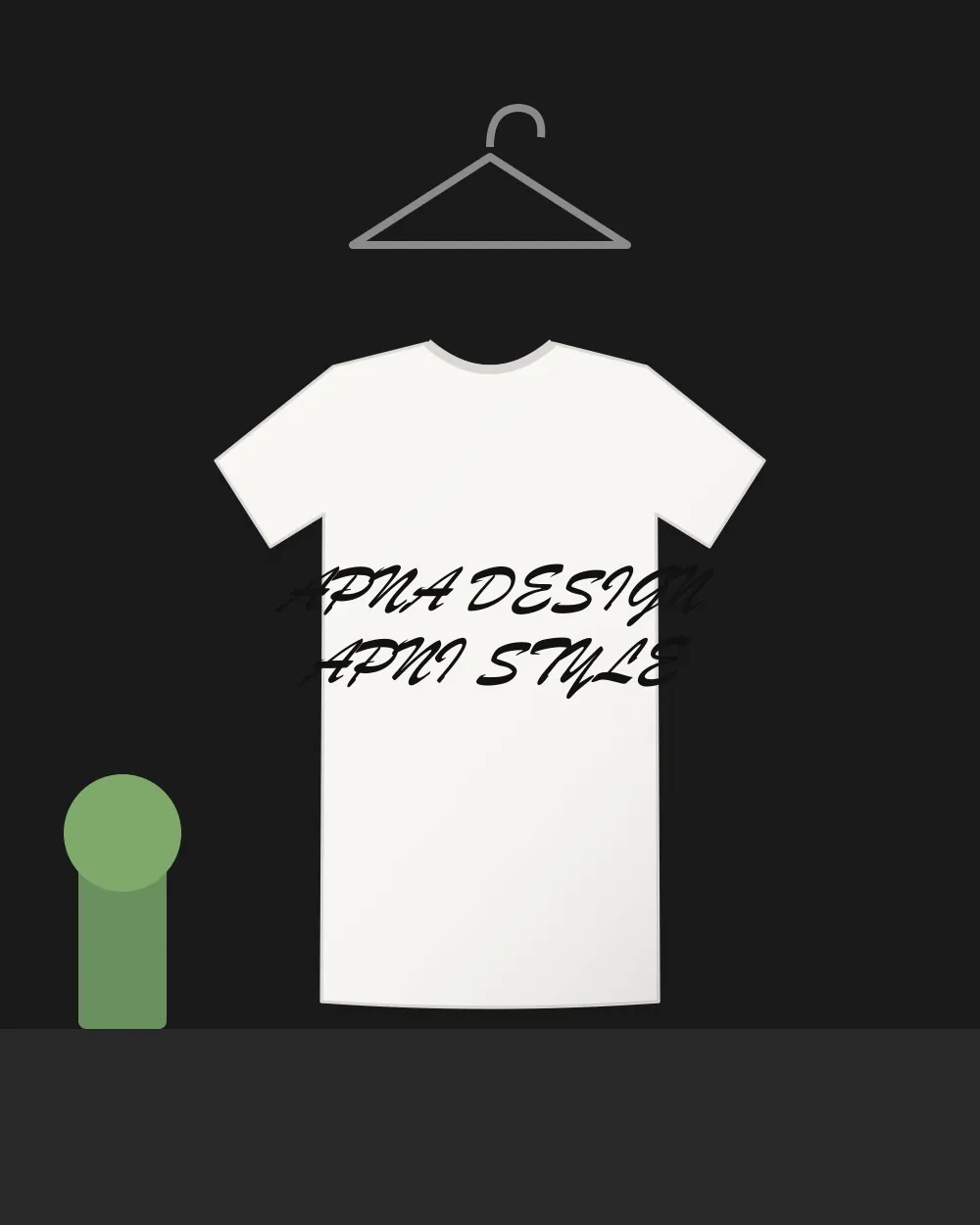
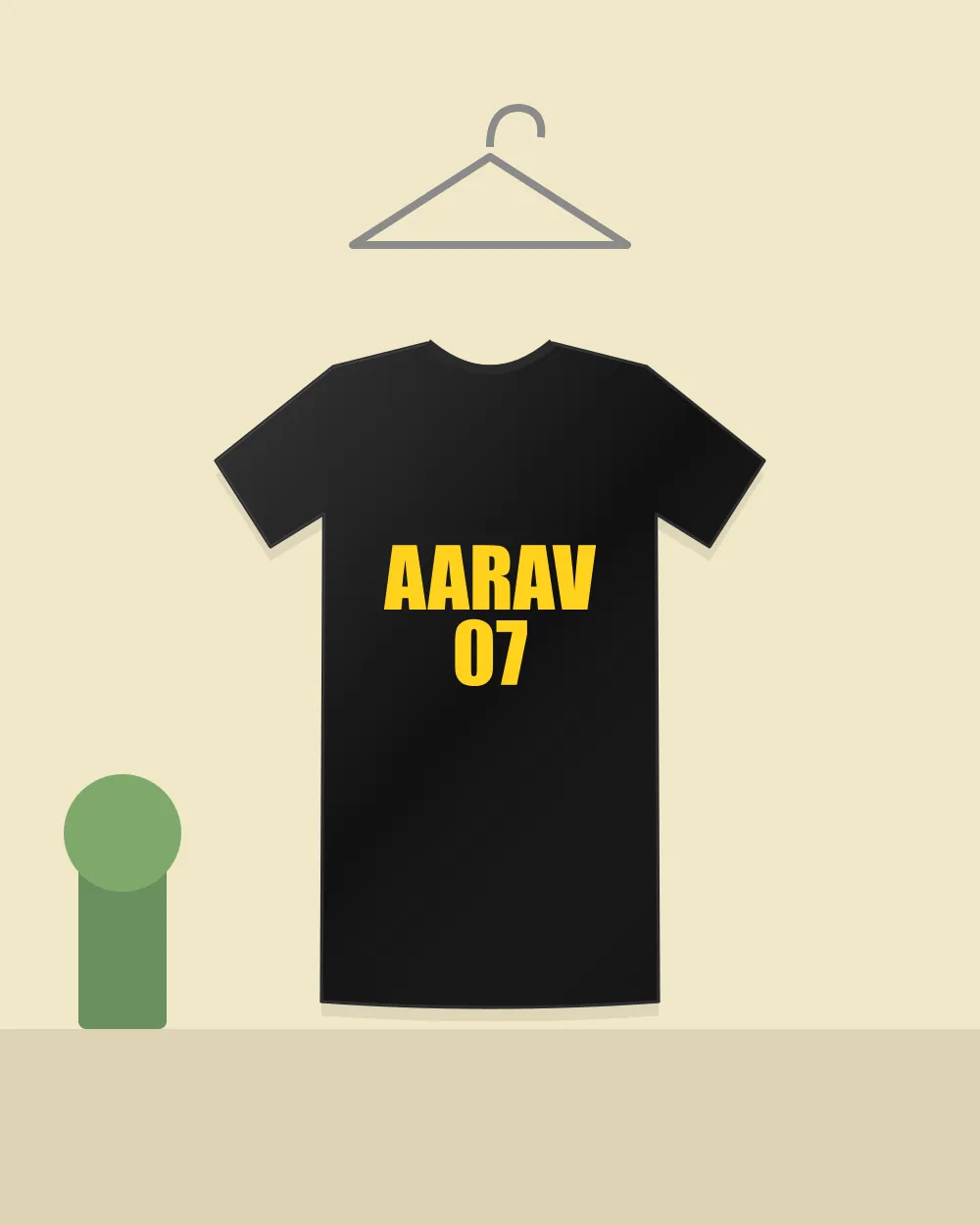
Names, dates and short quotes are the easiest way to personalise. Keep text short, choose one font, and check spelling twice — especially names.
Step 5: Choose placement and preview
Front prints are the most common. Back prints suit names and numbers. Front + back lets you put a small mark on the chest and a bigger design behind. Always preview before ordering.
Step 6: Order and confirm
Add the design to your cart, choose quantity and size, and check out. For 10 or more pieces, a bulk quote is usually the better route.